7 Best Video Translation Software for 2026

In 2026, video reaches viewers across languages, but translating it well takes more than swapping words. The right video translation software can help creators adapt dialogue, generate subtitles, and produce dubbed versions without rebuilding every scene. Yet a polished demo does not guarantee a smooth workflow. Accents, overlapping speech, specialist terms, and fast edits can all affect the final result.

This guide compares seven leading options for different needs, from solo creators preparing social clips to teams managing larger video libraries. It looks at practical features: transcription accuracy, supported languages, subtitle editing, voice quality, export formats, ease of use, and pricing clarity. Small details count. Can you correct a name quickly? Can you review captions before export? Does the tool preserve timing when a speaker pauses?

Some platforms emphasize rapid, automated dubbing; others offer tighter control over captions and voice tracks. The best fit depends on your source audio, audience, budget, and how much human review your workflow allows. No tool is flawless. Even strong speech recognition can mishear a product name or flatten a speaker’s tone, so check important translations before publishing. Use this shortlist as a starting point, not a promise that every feature suits every project. The comparisons ahead are designed to help you identify the trade-offs, ask better questions during a trial, and choose software that makes multilingual video clearer without adding unnecessary complexity.
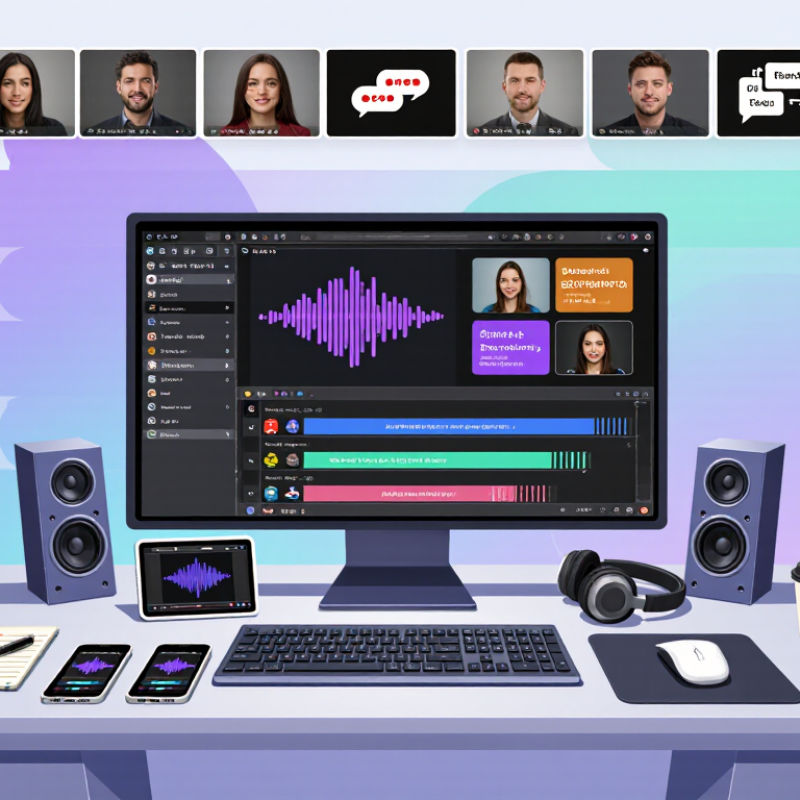
7 Best Video Translation Software for 2026

How Video Translation Software Transforms Speech and Subtitles

Video translation software does more than replace words. It converts spoken audio into text, translates that text, and aligns captions with the video.

Speech recognition can capture a presenter clearly in a quiet studio, but struggle when music, accents, or overlapping voices muddy the sound. Details matter.

A reliable workflow starts with checking the transcript before translation. Correcting a person’s name or a technical term early can prevent repeated errors in captions and voice tracks. Translation should preserve intent, not just dictionary meaning: a joke, warning, or polite request may need different phrasing in another language. Short sentences help viewers read without missing an important visual moment.

Subtitles also need careful timing. A caption that appears too early can reveal a reaction before it happens; one that disappears too soon may be impossible to read. Review line breaks, spelling, and synchronization on a phone as well as a larger screen. Automation speeds up routine work, but it is not magic. I have seen a polished transcript still flatten a speaker’s tone, so a fluent reviewer should listen alongside the captions. That extra check takes time, and sometimes the best wording remains a judgment call.

What to Evaluate When Comparing Video Translation Tools in 2026

A useful comparison starts with the footage you actually publish, not a polished demo. Test each tool with a short clip containing quick speech, pauses, and background noise. Check whether its transcript preserves names, numbers, and technical terms. Then inspect subtitle timing on a phone screen. Even accurate words can feel wrong when captions appear late or disappear too quickly.

Language coverage is only one measure. Compare how well each system handles accents, overlapping speakers, and changes in tone. If translated speech is available, listen for clear pronunciation and pacing that fits the original speaker. Small details matter. A translated sentence may be correct but still sound stiff. Keep a human review step for sensitive or specialized material, and note how easily reviewers can edit text and timing.

Workflow and safeguards deserve equal attention. Try importing common video formats, replacing a single line, and exporting subtitles separately from the finished video. Record how many clicks each task takes; small delays add up across a weekly publishing schedule. Review data handling details, including retention settings and access controls, before uploading private footage. Test real projects. One awkward clip can expose limits that a feature checklist misses, and no scoring sheet can capture every language nuance.

Seven Video Translation Programs and Their Main Features

Seven video translation programs differ in how they handle subtitles, speech, and editing. A subtitle translator converts spoken dialogue into timed captions; a dubbing tool generates translated speech; and a transcription editor pairs transcripts with translated text. Voiceover tools suit narration, while collaborative captioning platforms help reviewers correct wording and timing. Multilingual video hosts manage alternate language tracks, and editing software with translation features keeps captions beside the timeline. These are different workflows, not interchangeable tools.

The choice matters: CSA Research’s 2020 “Can’t Read, Won’t Buy” survey found that 76% of online shoppers preferred product information in their own language. For video teams, useful checks include supported languages, subtitle export formats, speaker separation, pronunciation controls, and human review options. Test a short clip with overlapping speech or a product name; these expose errors quickly. Accuracy varies. It still needs checking.

Tips: Compare the translated captions with the audio, not just the transcript. Keep a glossary for names and technical terms, and inspect timing on a phone screen. A tool that saves editing time may still need careful voice and subtitle revisions.

Video Translation Software: Language Reach Matters

Estimated total speakers of widely used video-localization languages, in millions. Figures are rounded estimates and include native and second-language speakers.

When comparing video translation tools, check that their transcription, translation, and subtitle workflows cover the languages your audience needs. Speaker totals are approximate and vary by source and counting method.

How the Tools Compare in Accuracy, Languages, and Pricing

Accuracy, language coverage, and pricing are the useful starting points when comparing video translation software for 2026. A tool may handle clear narration well but stumble over overlapping speakers, technical terms, or fast dialogue. Test a short clip with these conditions before committing. Check subtitles against the original audio, then review names, numbers, and timing by hand. Numbers can mislead.

Language counts need context. Ask whether each language supports speech recognition, translation, subtitles, and dubbed audio—not just a menu listing. CSA Research’s 2020 “Can’t Read, Won’t Buy” survey found that 76% of online shoppers preferred product information in their own language. That finding concerns shopping, not video software performance, but it underscores why localization quality matters. Pricing also varies: compare per-minute charges, monthly limits, voice options, and fees for human review. A low entry price may not cover a finished, publish-ready video.

Tips: Run the same 60-second clip through each candidate. Include one speaker, one proper name, and a sentence with background noise. Record correction time as well as the quoted price; a cheaper draft can cost more in editing. Keep a small test set from real projects, and revisit it when a tool adds languages or changes its plan. Quality shifts.

7 Best Video Translation Software for 2026 - How the Tools Compare in Accuracy, Languages, and Pricing

Vendor-neutral comparison of common video-translation tool types. Language availability, accuracy, and prices vary by provider, plan, and source material; verify current details before purchasing.

Tool type Best suited for Translation accuracy Language coverage Typical pricing model Key trade-off
AI dubbing platforms Localizing spoken videos with generated voice tracks Depends on transcription, translation, voice quality, and human review Often multiple source and target languages; dialect and voice options vary Usually subscription, credits, or per-minute processing Fast voice localization, but generated speech may need editing
Subtitle translation editors Creating and reviewing translated captions or subtitle files Machine output benefits from review for idioms, names, and context Coverage depends on the translation engine and supported file formats Free tier, subscription, or pay-per-use options are common Good control over timing and text; does not itself create dubbed audio
Transcription-first localization tools Workflows that need editable transcripts before translation Strongly affected by recording clarity, accents, overlap, and specialist vocabulary Speech-recognition and translation language lists may differ Often billed by audio/video duration or monthly usage Useful transcript workflow, but errors in transcription can carry into translation
Voice-cloning localization tools Maintaining a similar speaker identity across language versions Translation quality is separate from voice similarity; both require evaluation Cloning and dubbing support can be limited to selected languages and voices Typically paid plans, credits, or usage-based fees Requires appropriate speaker consent and careful review of generated audio
Multitrack dubbing studios Projects needing separate voice tracks and detailed audio mixing Can support human-edited scripts; final quality depends on translators and voice talent Language availability depends on production resources or integrated services Per-project, per-language, or production-service pricing is common More production control, but typically involves greater cost and coordination
Browser-based video editors with translation Creators who want editing, captions, and localization in one workspace Varies by built-in speech and translation services; review is recommended Feature and language limits may depend on subscription tier Usually tiered monthly or annual subscriptions Convenient all-in-one workflow, but specialized localization controls may be limited
Human-reviewed localization services Marketing, training, or public-facing content where nuance matters Human review can improve terminology and context; outcomes depend on reviewer expertise Coverage depends on the available language professionals and service scope Usually quoted per word, minute, language, or project Higher-touch quality assurance generally requires more time and budget

Accuracy note: No translation system has one universal accuracy score. Results depend on audio quality, accents, terminology, language pair, and review. Request a sample using your own content and confirm current language support and pricing directly with the provider.

How to Choose a Video Translator for Your Project

Choosing a video translator starts with the project, not the feature list. A training video with technical terms needs glossary controls and careful human review. A short social clip may depend more on fast subtitles and readable text. Check which languages the tool supports, including regional variants. Then test a real sample with overlapping speech, names, and background music. A clean demo can hide weak results. It happens.

Tips: Upload a 30-second clip before committing. Check whether captions stay synchronized when speakers pause. Review line breaks on a phone screen, where long subtitles quickly become hard to follow. Ask a fluent speaker to check meaning, tone, and names. Automatic translation can sound confident while missing context.

Also consider the export formats, editing options, and how the service handles uploaded files. If your team already has a review process, choose software that lets editors correct words without rebuilding the whole video. Keep a small test log: note errors, correction time, and subtitle readability. This gives you a fair comparison beyond flashy demos. No tool removes every awkward phrase, and some dialogue needs a second pass. Your priorities may shift once you see the first draft.